
1. Log in the Soundsuit's Admin-Dashboard with your admin account.
2. In the Dashboard, create the music objects (playlists, stations, schedules) you need.
3. All the created music objects are by default accessible and playable by all your locations, when they log in the player-app.

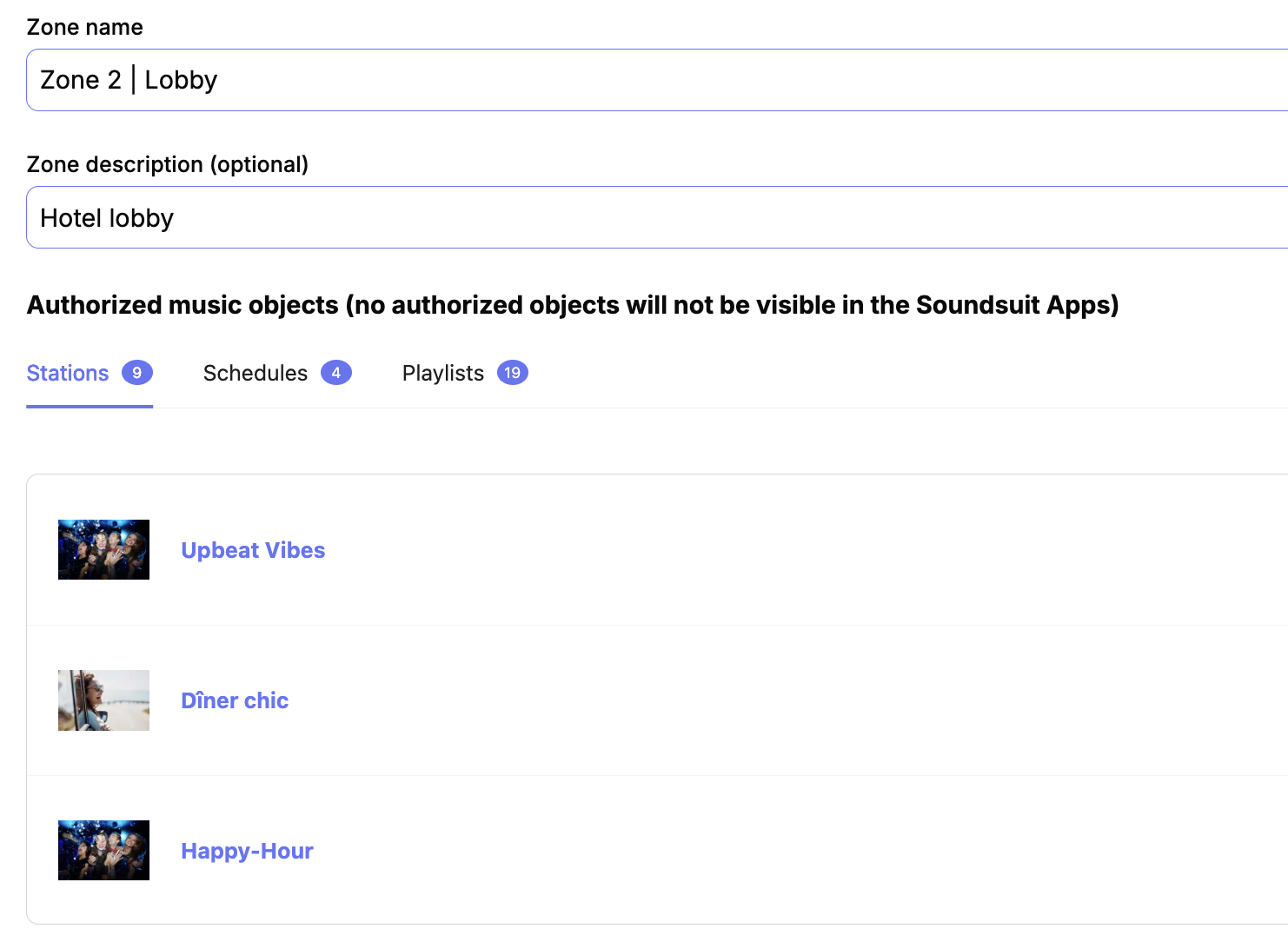
4. If you want to restrict the access of some locations to the music objects you just created, go to the locations/zones tab, select the zones you want to restrict, and set the permissions so that specific music objects cannot be seen/played by these locations and zones.
0
0
Was this article helpful?
0 out of 0 found this helpful
Add comment
Article is closed for comments.